OPplus to Continia Banking migration overview
When you move from OPplus to Continia Banking in Microsoft Dynamics 365 Business Central, several articles guide you through each stage of the migration. These resources help you prepare for the migration, run the migration tool, and complete the post-migration steps. This overview outlines the available documentation and helps ensure that you complete all required steps in the correct order.
Migration flow at a glance
The diagram below illustrates the main stages of the migration process:
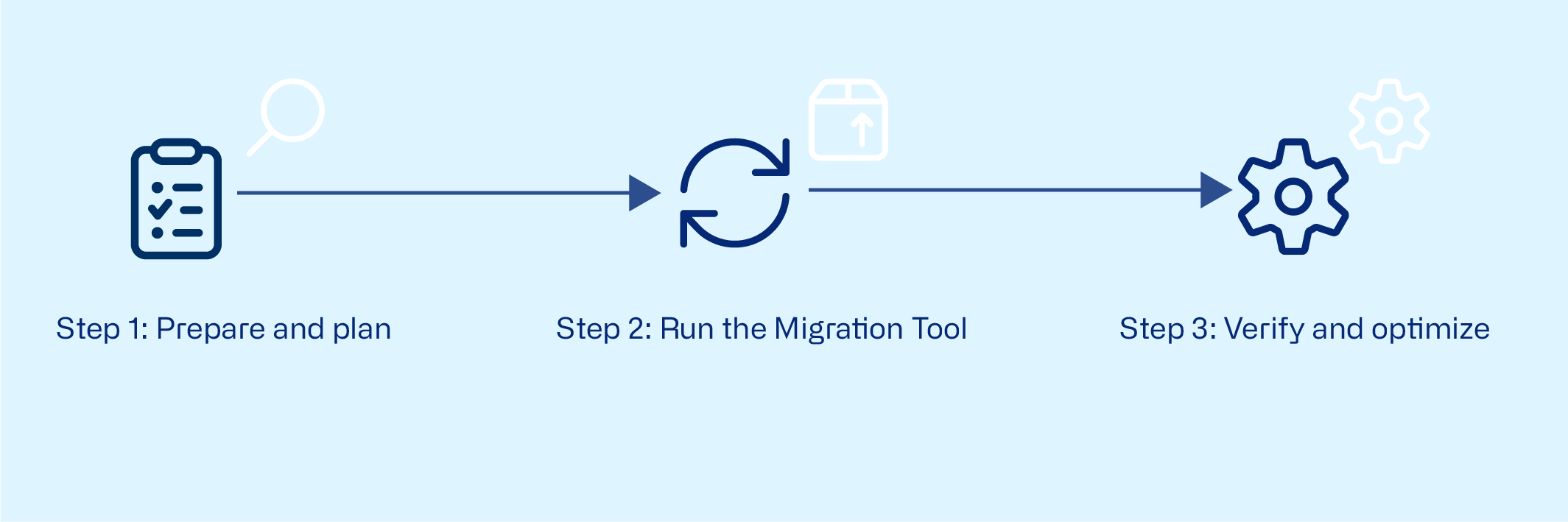
Articles to guide the migration process
Step 1 Prepare and plan
Before starting, review Migrating OPplus data to Continia Banking to:
- Check all prerequisites for the migration.
- Install the required apps from Microsoft Marketplace.
- Review OPplus to Continia Banking data migration overview to review which tables and fields are included.
Step 2 Run the migration tool
When all prerequisites are met and apps are installed, run the migration tool to transfer data from OPplus to Continia Banking.
If you also want to use Continia Finance, migrate Continia Finance first.
Step 3 Verify and optimize
After completing the migration, see Verifying and completing post-migration steps.